
CVV Security Code Is Now Available Only in the MBANK App
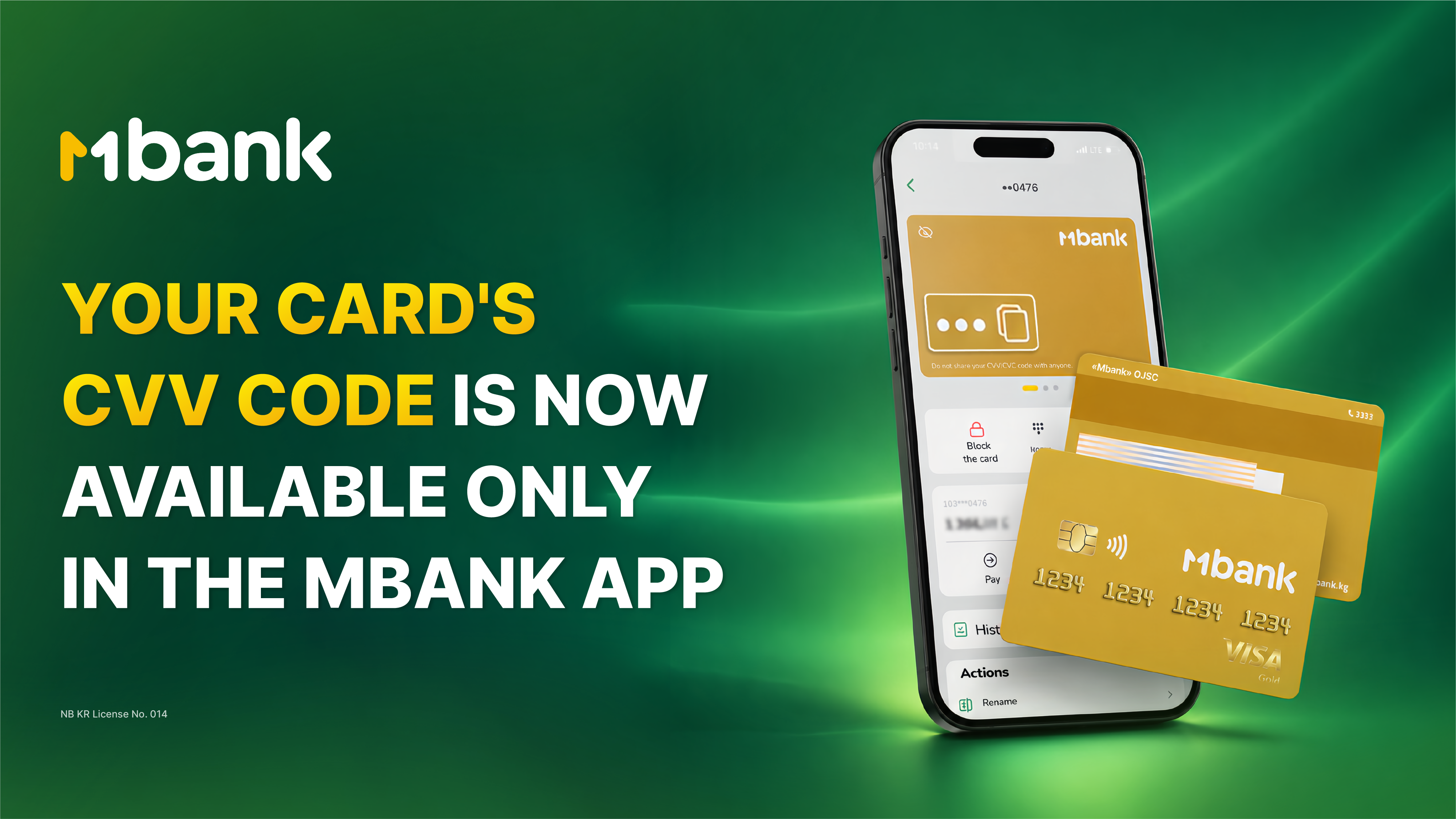
Starting July 1, 2026, MBANK is introducing a new way to access the CVV/CVC security code for personal bank cards.
From this date, the CVV/CVC code will no longer be printed on the back of newly issued or reissued physical cards. Instead, customers can securely view the code in the MBANK mobile app under the card details section.
This modern approach to storing sensitive card information enhances security by reducing the risk of unauthorized access if a card is lost, stolen, or used by someone else.
Where Can I Find My CVV/CVC Code?
You can access your CVV/CVC code in just a few seconds:
- Open the MBANK mobile app.
- Select the required card from the home screen.
- Go to Card Details.
- Your CVV/CVC code will be displayed on the virtual version of your card.
What You Need to Know
This update affects only the way your CVV/CVC code is displayed.
All other card features remain unchanged, including:
- In-store purchases
- Contactless payments
- Online shopping
- Money transfers and other banking transactions
Whenever a website requests your CVV/CVC code for an online purchase, you can quickly retrieve it in the MBANK app.
Which Cards Are Affected?
The new policy applies to:
- All newly issued personal bank cards
- All reissued personal bank cards
Previously issued cards with a printed CVV/CVC code will continue to function as usual until they expire or are replaced.
Exceptions
This change does not apply to:
- Business cards
- Elcard national payment system cards
For these cards, the CVV/CVC code will continue to be printed on the card as before.
MBANK — The First Digital Bank.