en

For individuals
For business
MAcademy
Call the Contact Center Directly from the MBANK App
7 October 2026
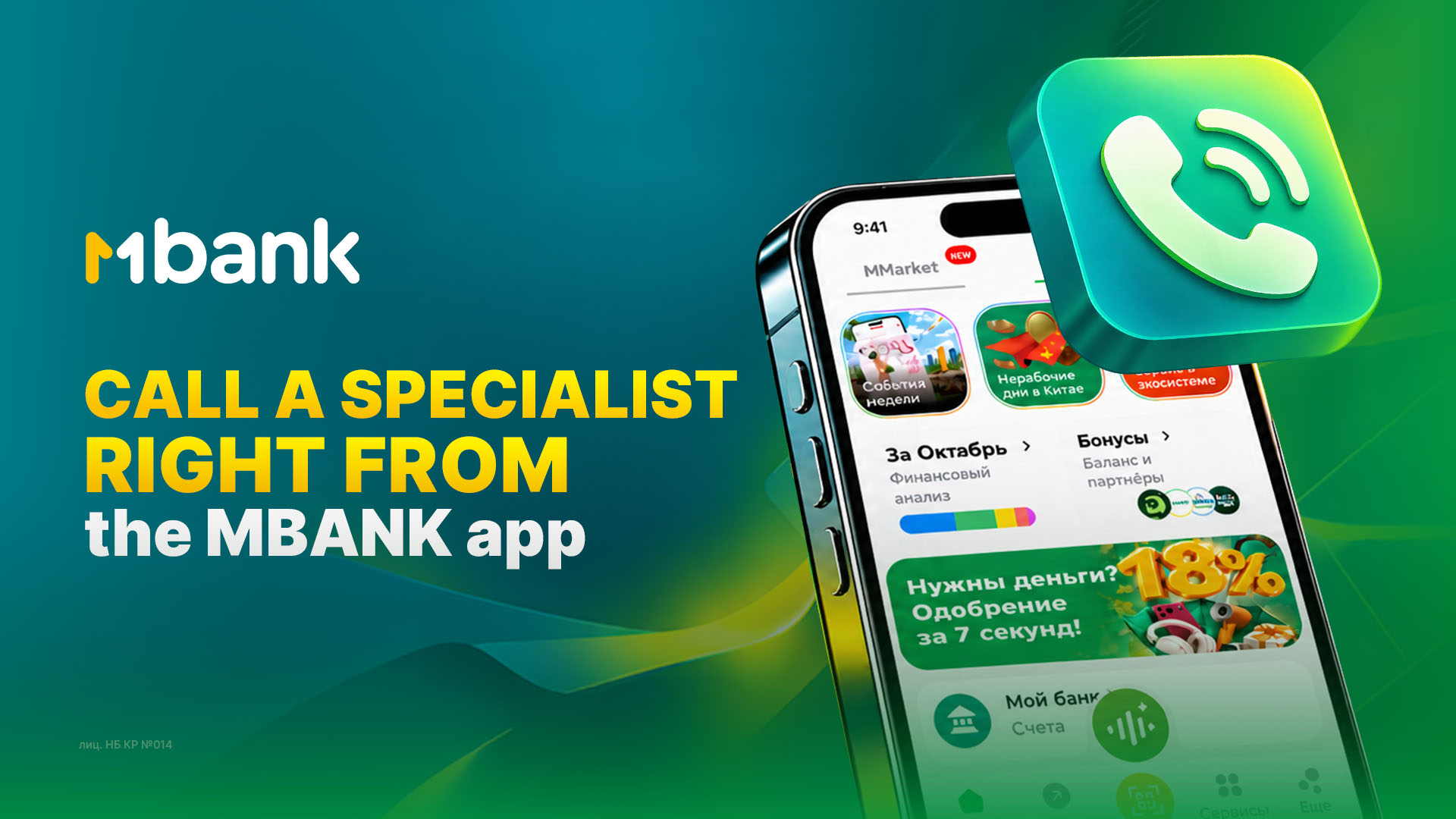
When you have a question about banking services, it is important to get help from a specialist quickly. MBANK customers do not need to search for the Contact Center number, leave the app, or spend time on additional steps. You can call a specialist directly from the MBANK mobile app.
How to Call the Contact Center
The “Online Call” feature is available directly on the main screen of the MBANK app. To contact a specialist:
- Open the MBANK app.
- On the main screen, find the phone icon in the top right corner.
- Tap it, and you can immediately call the Contact Center.
During the call, you can ask any questions you may have and get assistance from a specialist.
This format is especially convenient when you need to quickly resolve an issue and get expert assistance without leaving the familiar app interface.
MBANK — the first digital!
NBKR License No. 014