
Everything You Need for Successful Online Shopping: 4 MBANK Services That Make Life Easier
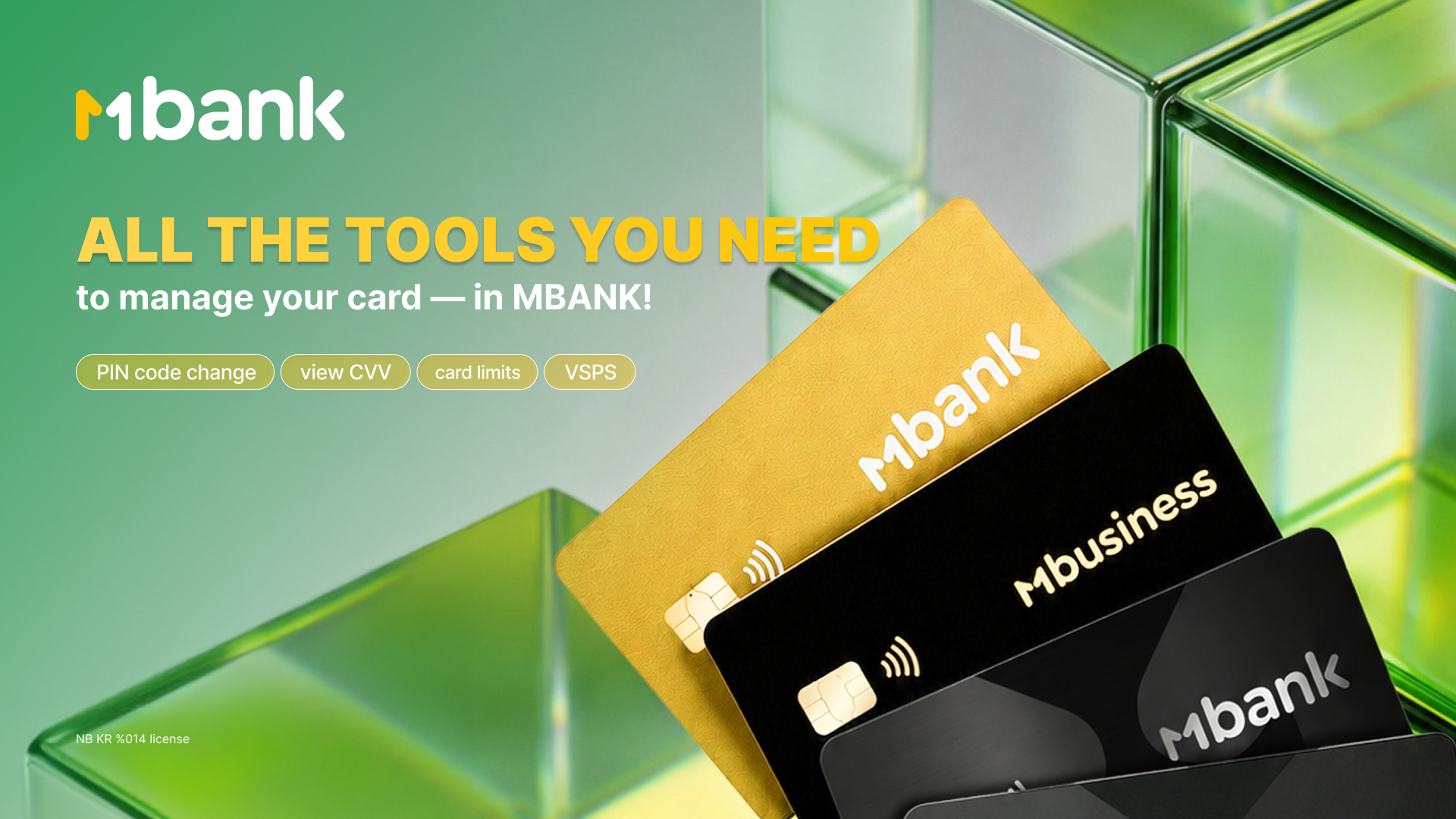
Forgot your card at home, can't remember your PIN code, or need to pay for an online purchase urgently? Not long ago, situations like these could ruin your shopping plans. Today, most issues can be resolved in just a few minutes right in the MBANK mobile app. Here's how it works.
1. How to Find Your CVV and Card Number in 10 Seconds
There are times when you need to make an urgent online payment, but your card isn't with you or its details have become unreadable. With MBANK, there's no need to look for your physical card or try to decipher the worn-out code on the back.
What to do:
All your card details are always at your fingertips in the MBANK app:
• Open the MBANK app.
• Go to the My Bank tab.
• Select the card you need and tap on it.
• The card details screen will appear.
• Tap the eye icon in the upper left corner to reveal hidden details: card number, expiration date, and CVV code.
Simply copy the details and paste them into the payment field. Your purchase is complete!
2. Forgot Your PIN Code? Change It Instantly
Sometimes, when withdrawing cash from an ATM or paying at a store, the terminal displays an error message: "Incorrect PIN." You try again, but your memory lets you down. Previously, restoring access meant visiting a bank branch, submitting an application, and waiting.
What to do:
Manage your card security yourself — no queues required:
• Open the My Bank tab in the MBANK app.
• Select the card you need and tap on it.
• Tap Change PIN Code.
• Create a new PIN combination and confirm it.
Your new PIN becomes active immediately. Your time is worth more than a trip to the bank.
3. Where Is Your Money Going? Manage Your Subscriptions
Have you ever noticed small amounts being charged from your card for services you no longer use? A forgotten trial period for a streaming platform or music app can quietly eat into your budget for months. Previously, you had to log in to each service separately and search for the cancellation button.
What to do:
The MBANK app includes a convenient Visa Subscription Manager:
• Open the My Bank tab in the MBANK app.
• Select the card you need and tap on it.
• Scroll down to Visa Subscriptions and tap Continue.
• Choose MBANK Pay or Visa subscription management.
• Suspend unnecessary subscriptions with a single tap.
Now you'll always know exactly what you're paying for.
4. Limits: Spending Control and Security
If you're worried about overspending during a sale, the limits feature can help. It's also a great security tool: even if fraudsters obtain your card details, they won't be able to spend more than the amount you've set.
What to do:
Set up your personal daily budget in just a minute:
• Open the My Bank tab in the MBANK app.
• Scroll down and tap MBANK Limits.
• In the Outgoing Payments section, set an amount you're comfortable with and tap Save.
You can change the limit anytime if you're planning a major purchase.
Take advantage of all the features offered by MBANK and Visa, save time, and enjoy shopping. After all, shopping should first and foremost be convenient!
MBANK – The First Digital. Made in Kyrgyzstan.
License of the NBKR No. 014.