en

For individuals
For business
Blocked driveway? Solve it with the “Remove Car” service in MBANK
25 March 2026
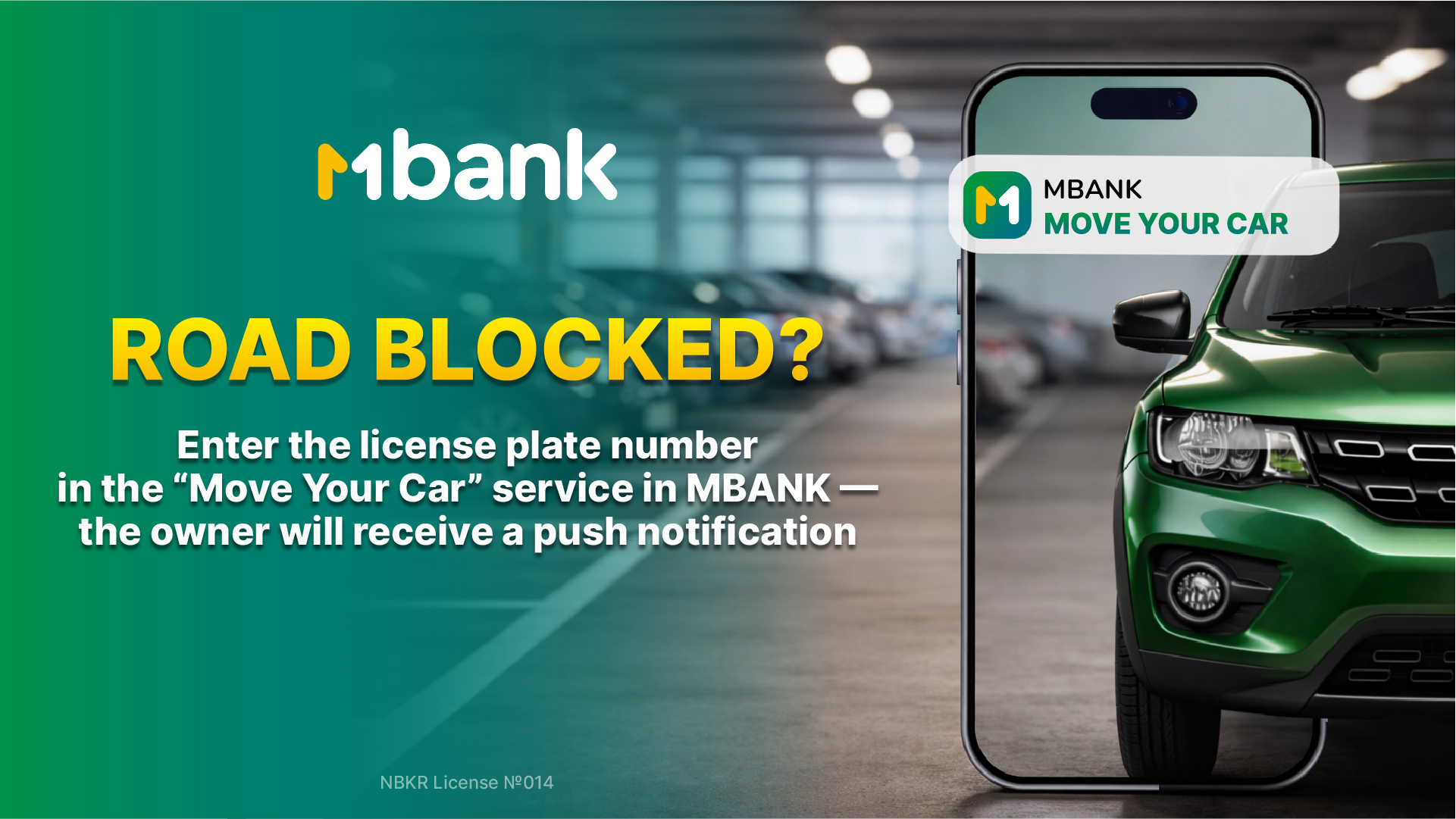
If your car is blocked and the driver isn’t around — no need to search for a phone number or wait.
Use the “Remove Car” service in the MBANK app.
How it works:
- Open MBANK;
- Go to the “My Car” section;
- Select the “Remove Car” service;
- Enter the license plate number of the car blocking the way and tap “Send”;
The driver will instantly receive a push notification asking them to check their car.
The service helps resolve parking or driveway issues quickly — without calls, delays, or конфликтs.
Important: only drivers who have added their car in the “My Car” section and have push notifications enabled will receive the notification.
Add your car in MBANK to use the service and receive notifications.