
Warning: Phishing! Scammers Are Stealing Money Under the Guise of MBusiness
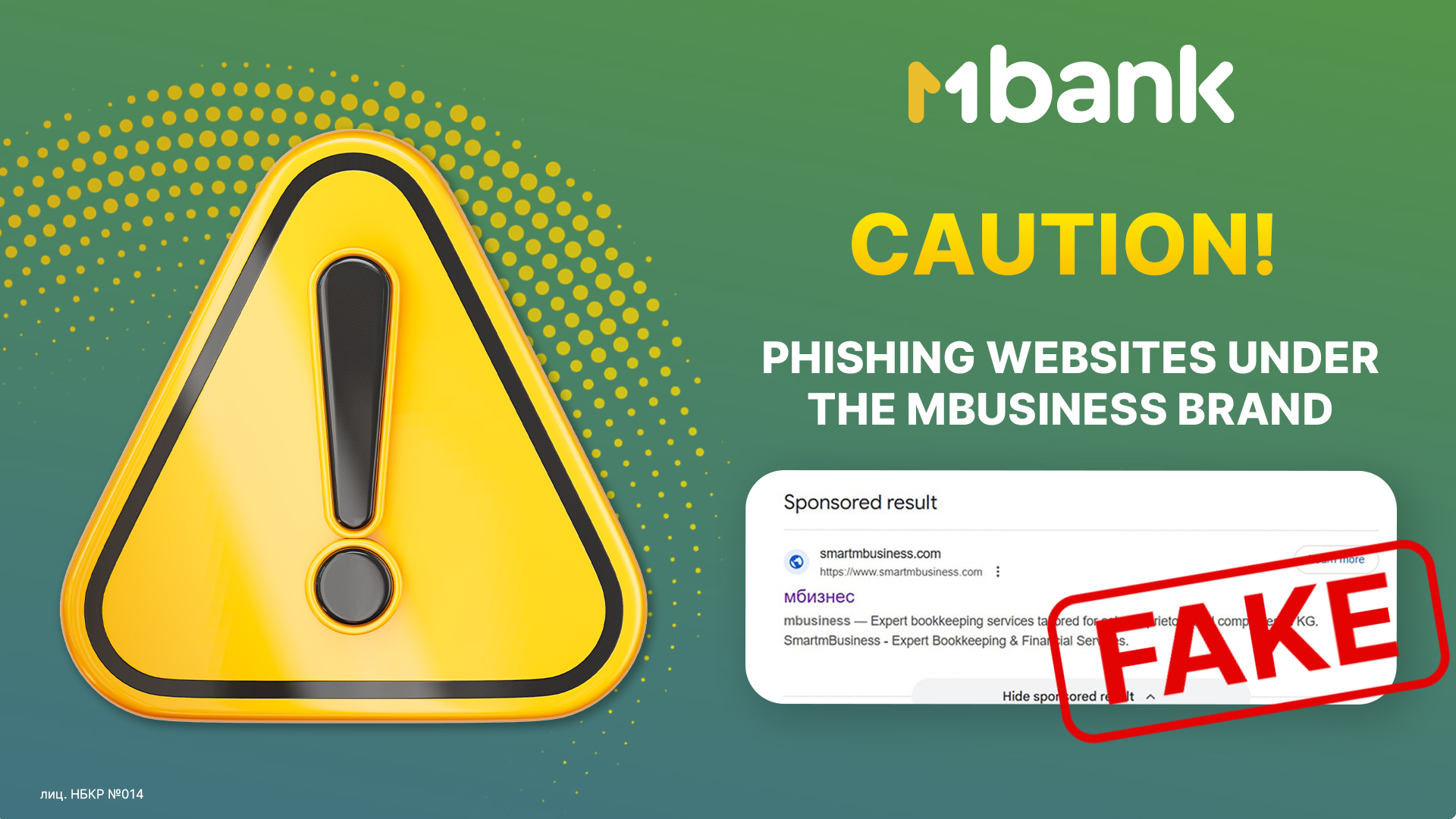
Attention! Scammers have launched phishing websites that disguise themselves as MBusiness services. They use Google Ads to steal logins, passwords, SMS codes, and ultimately — your money.
How the Scam Works: Fake Website + Google Ads
Fake Domain
A website is created to look like the real one:
mbusiness.buroc.icu instead of smartmbusiness.com.
Advertising
The ad shows the correct name, but the click leads to a phishing page.
Data Theft
The fake site tricks users into entering their login/password and SMS codes.
Result
Account compromise and stolen funds.
⚠️ Important! Do not enter your data on suspicious pages.
Four Safety Rules from MBusiness
Vigilance is your best protection.
1. Check the Website Address!
Always look at the URL after the page loads.
Official MBANK domain: https://mbank.kg
Fraudulent domains:
-
mbusiness.buroc.icu
-
m-business-kabinet-login.fun
Any difference means it is a scam.
2. Do Not Use Google Ads to Log In
Do not enter your account through ads.
Access your personal account only through a saved bookmark or by typing the address manually.
3. Avoid “Cheap” Domain Zones
Be cautious with domains like .icu, .xyz, .site, .fun.
The bank does not use such domains.
4. Watch for Sloppy Design
Phishing websites often:
-
load slowly
-
contain design or font errors
-
work poorly on mobile devices
Stop Sharing Your Data!
Never provide the following to third parties:
-
SMS codes
-
Logins and passwords
-
Information about your devices