

Anywhere in the world - quickly, conveniently and affordably
The best deals for flights and tours in one place

Why choose MTravel?

We analyze hundreds of offers to offer you the best price

Purchase tickets profitably in installments from M+, up to 3 months

Exclusive offers for MBANK users
What you will find in MTravel?
Flights to anywhere in the world
Tickets to Paris, Barcelona and New York - here and now, at favorable price

Exciting Tours
Choose the perfect tour for yourself – outdoor activities, gastronomic routes or shopping tours

World Tours
Discover new countries today — travel with installment payments for up to 12 months.

Hotels in Kyrgyzstan
Book hotels and guesthouses across the country with ease.

Intercity Buses
Convenient routes across Kyrgyzstan and to neighboring countries.
Your reliable travel partner
Start your vacation with ease
Find the best tickets quickly and easily
Convenient business trips
Arrange flights for important meetings with flexible conditions
Adventure and outdoor activities
Explore new unique places in the world with tickets at affordable prices

Fly affordably with M+

Fly now - pay later
With MPlus, you can purchase tickets in installments and take a trip right now
Pay for tickets in installments with no worries
Tickets available for any flights and destinations
Our customer support is available 24/7 for you
How to buy in installments with MTravel?
Choose your destination
Select a suitable ticket or tour
Make a purchase in M+
Select "3-month installment plan" as the payment method
Travel with no worries
Enjoy your journey while paying in installments
What else you should know?
How to buy ticket online?
To buy an air ticket
1.Go to the "Air" section
2. Select the departure and arrival locations (From/To), travel date, flight type (one-way/round trip), number of passengers, and service class.
3. Click the Search button.
4. Choose a suitable flight from the available options and click "Buy"
5. Enter the details for all passengers and proceed to payment
Your order will be available in "My Tickets" section. Additionally, we will send an email with your booking information to the email address provided during the purchase.
The confirmation of your ticket purchase is the itinerary receipt, which includes the electronic ticket number. You can also download the electronic version of the itinerary receipt in "My Tickets" section.
How to Get Your Itinerary Receipt?
Your itinerary receipt with details of your electronic ticket will be sent to your email immediately after you complete the booking.
You can also download an electronic version of the itinerary receipt in "My Tickets" section.
How to check tariff rules for my booking?
To review the fare rules:
1. Go to the "My Tickets" section.
2. Select the relevant booking (ticket).
3. Click on the link "Tariff rules (Changes/Refunds)".
4. A window will open where you can view the full tariff conditions.
Please read the rules carefully, as they include important details regarding ticket refunds or exchanges (penalties, additional fees, deadlines) as well as other restrictions.
What are the differences between first, business and economy classes?
There are three classes of service: First Class, Business Class and Economy Class. They differ in terms of comfort and in-flight services.
In economy class, the airline provides seats at the lowest prices. The business class cabin provides improved seating arrangements, as well as a wide range of meals and services on board the aircraft. The first class is even more comfortable and is used mainly on long-range flights. The seats in the first class cabin rotate almost 180 degrees. In this class, you can order any menu, movie, music and more.
How to сheck-in for a flight?
In most cases, check-in opens 2-4 hours before departure and closes 40-60 minutes prior to the scheduled departure time. However in some airports, check-in for international flights may begin 4 hours before and close 1 hour before departure.
Please note that if you arrive late for check-in, the airline has the right to cancel your booking.
How to check-in online?
For online check-in you need your booking reference number (PNR) or electronic ticket number. Go to the airline's website, select the "Online Check-In" option, and access your booking using the booking reference or ticket number along with your last name. Most airlines allow online check-in starting 24 hours before departure. Please note that it is not possible to check in your baggage online.
Can I change the date or route on my ticket?
Please note that all changes to your ticket (such as dates, routes, etc.) are only possible according to the tariff rules applied to the ticket, the airline's internal policies, and the terms of the service agreement. For some tickets, changes may not be allowed. If changes are possible, an additional fee from the airline and a service charge from the agency may apply. You can review the detailed terms in the tariff rules or inquire with Customer Support.
To initiate changes to your ticket, go to the "My Tickets" section, select the booking, check the tickets you want to change, and click on the "Exchange" button. Follow the instructions and wait for a response from Customer Support. Your ticket will only be changed after your confirmation.
What to do if you missed your flight and need a new ticket?
Approach the airline representatives at the airport – they will guide you on the next steps. You can also contact us through the feedback form, describe the situation and inquire if it's possible to choose another flight for an additional fee. If you miss the check-in at the airport or complete online check-in but fail to board, your booking will be marked as a "no-show." This often prevents refunds or exchanges, but it depends on the specific airline's policies and tariff rules of your ticket.
How to request a flight ticket refund and what is needed?
To initiate a ticket refund, go to "My Tickets" section, select your booking, check the tickets you want to return (cancel), and click the "Refund" button. Specify the reason for the refund – "Voluntary" or "Involuntary." Attach required documents. Your ticket will be canceled only after confirmation of the refund amount. Please note that cancellation fees may apply according to tariff rules and the airline’s policy, as well as a service fee from the agency. Pay attention that some tickets are non-refundable. Wait for a response from MTravel Customer Support regarding the outcome of your request.
How long is it possible to request a ticket refund?
A ticket can be refunded due to the passenger's fault (not the airline's) within the validity period of the ticket, which you can find at the time of purchase. Be sure to check the refund/exchange policies when buying the ticket, as some tickets may be non-refundable and non-exchangeable.
What to do with ticket If flight is canceled?
If you were informed about the flight cancellation at the airport, the airline representative may offer alternatives for your travel. If you're not satisfied with the options, make a note of the cancellation on your ticket and request a refund through the app: go to the "My Tickets" section, select your booking, check the tickets you want to return (cancel), and click the "Refund" button. Specify the reason for the refund as "Involuntary" and attach a scanned copy of the ticket with the airline representative's stamp. If you find out about the cancellation at least one day before the scheduled departure, you should also contact Customer Support to discuss possible alternative options. If these options don't work for you or if your plans have changed, you can get a full refund for your ticket without any loss.
Choose your perfect option
Couldn't find what you were looking for? Visit MTravel and choose from thousands of exclusive offers

Scan the QR code and go to MTRAVEL
24/7 Support
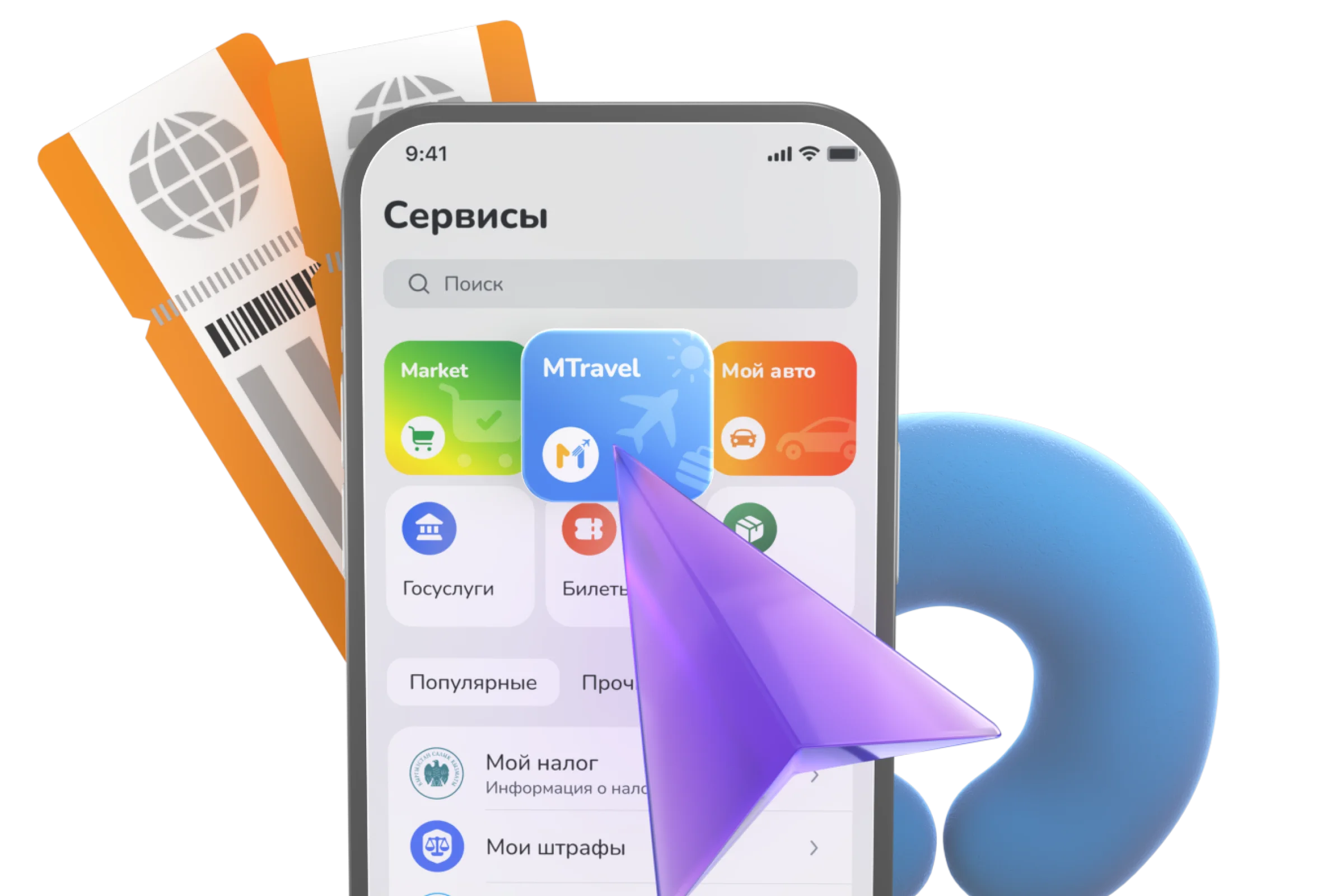
We’re always available to assist with any questions and help ensure a comfortable journey.
+996 (990) 64-44-64 WhatsApp