MRassrochka — more possibilities for your big plans
Make large purchases in installments for up to 24 months

Benefits
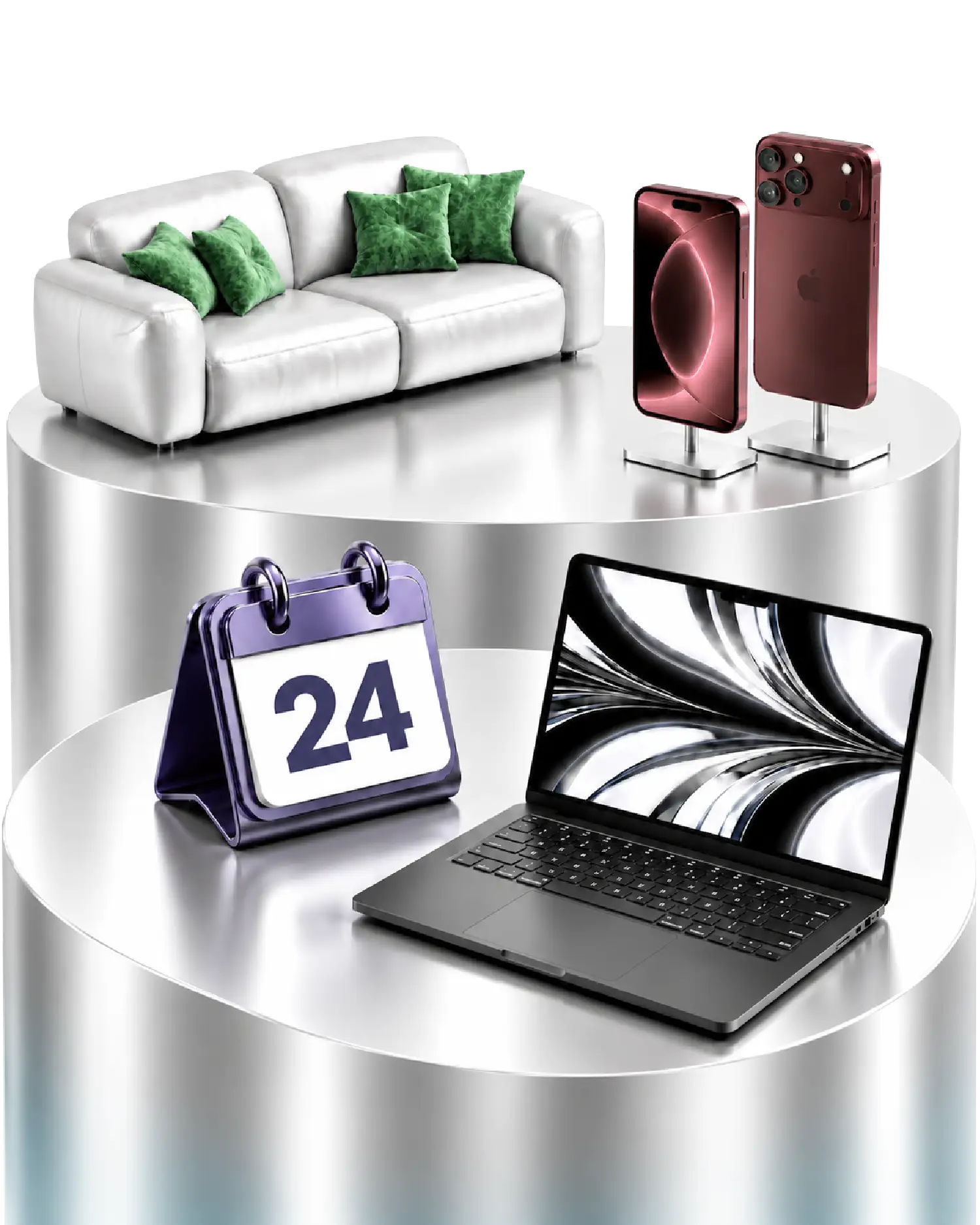
For large purchases
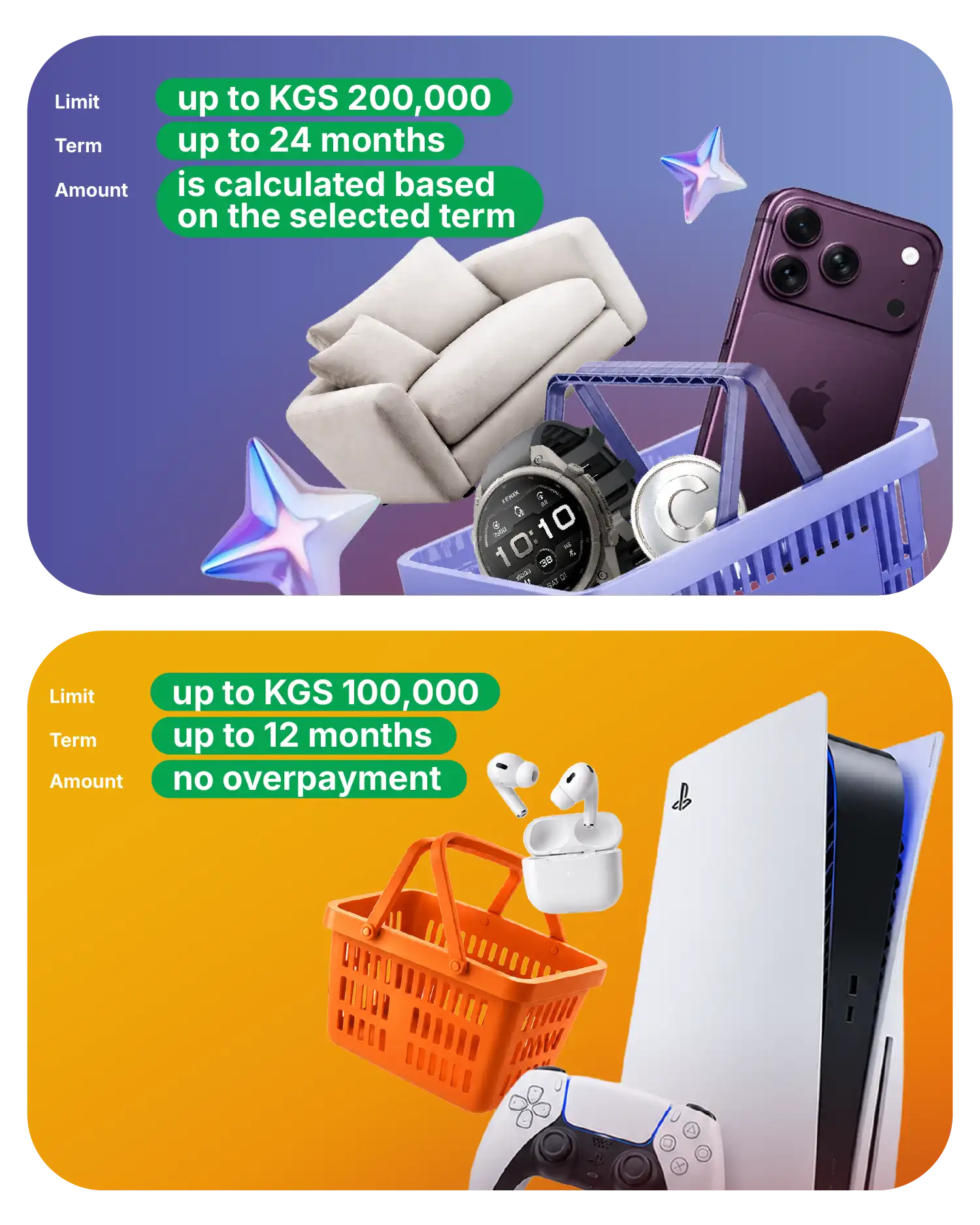
Make large purchases with an increased limit of up to KGS 200,000

Up to 24 months
Spread the cost of your purchase over a convenient period
All terms upfront
Before applying, you’ll see the monthly payment, overpayment amount and total repayment amount
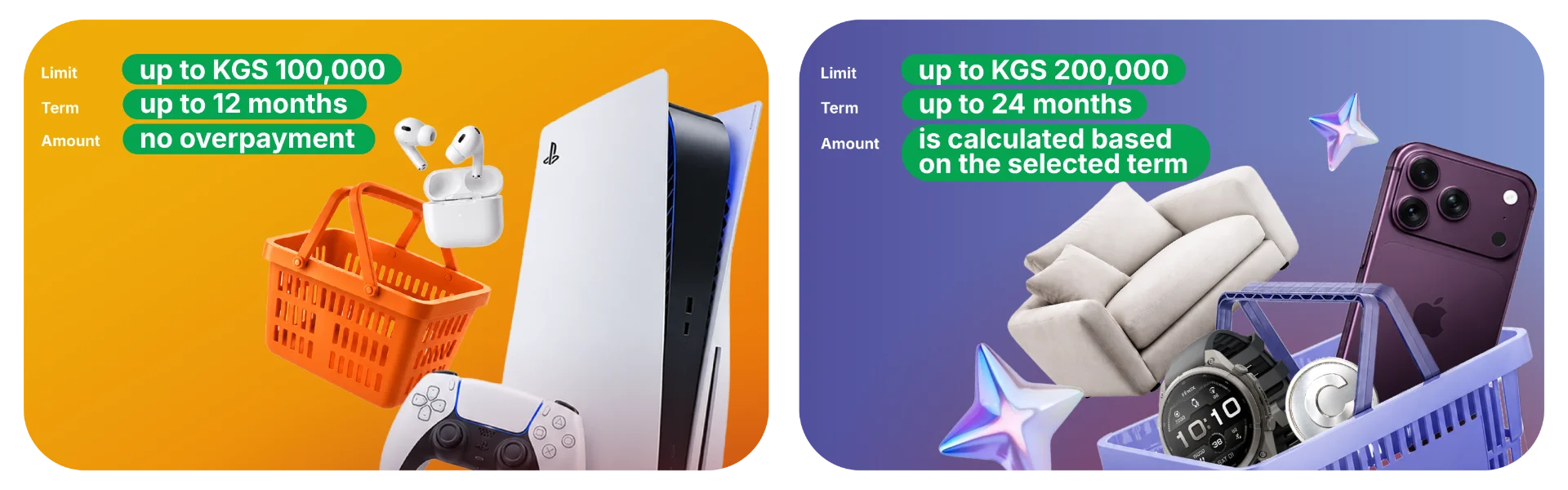
What is the difference between M+ and MRassrochka?
How to activate MRassrochka
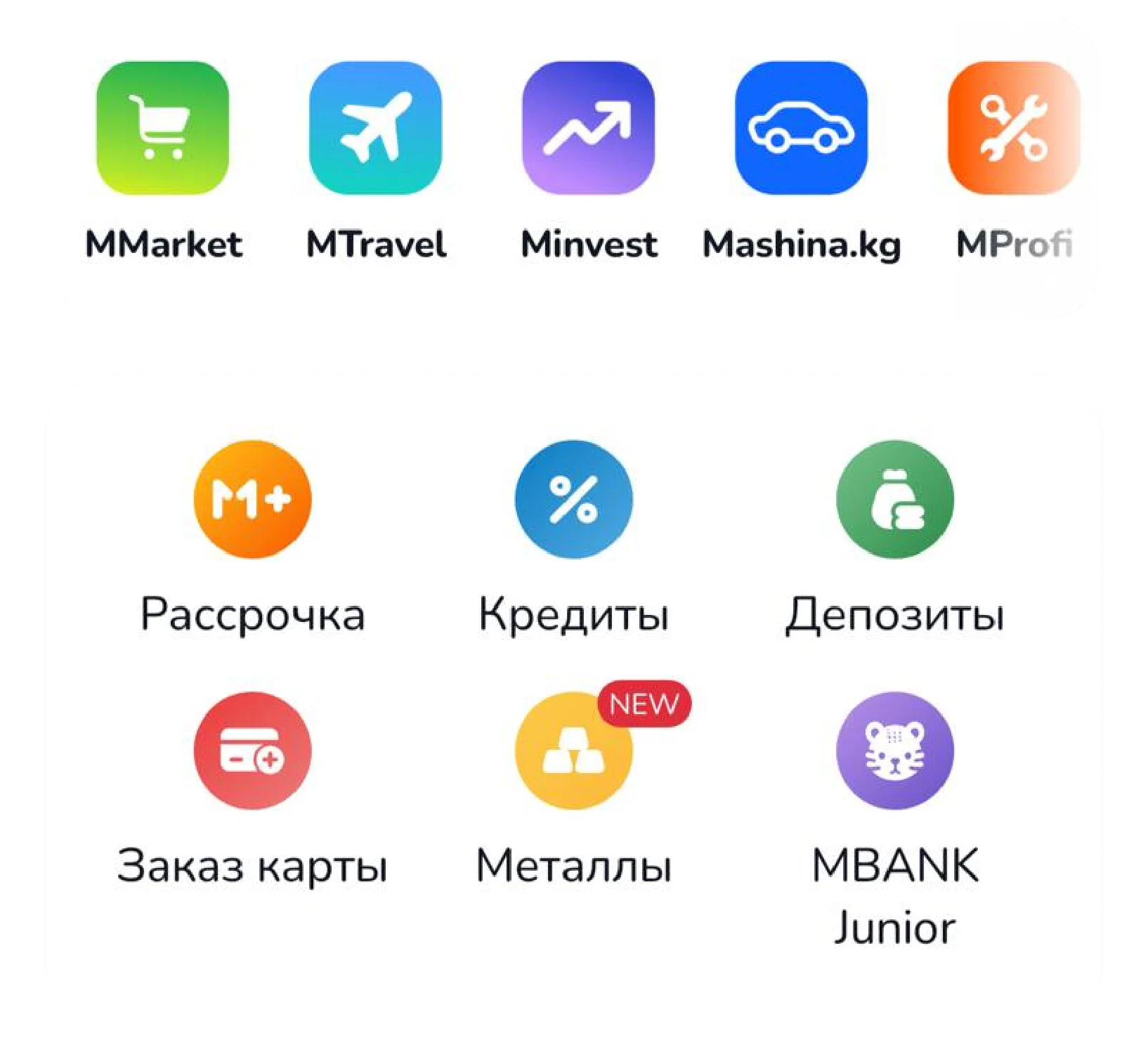
Open the MBANK app and select the Installments section
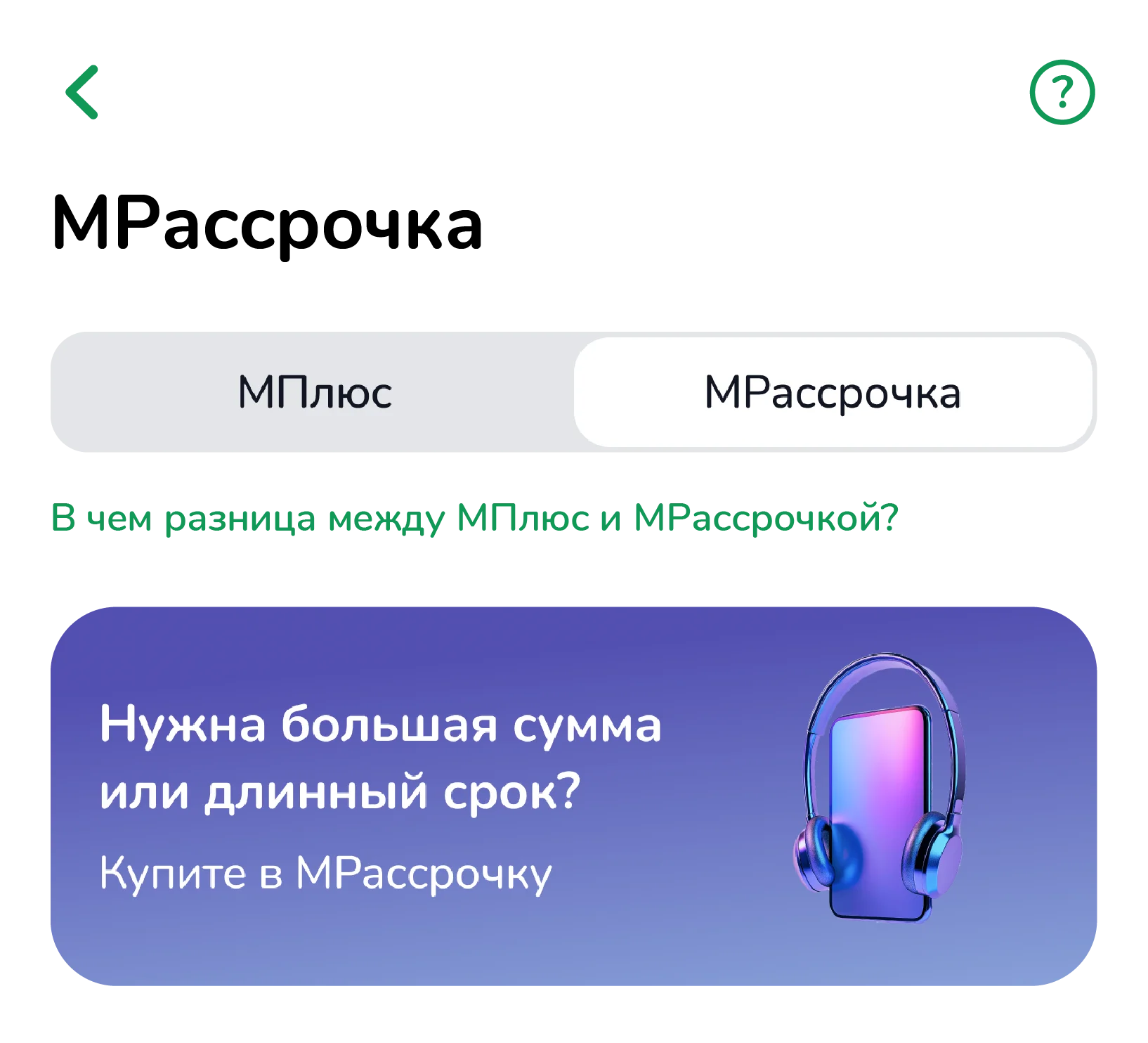
Tap MRassrochka at the top of the screen
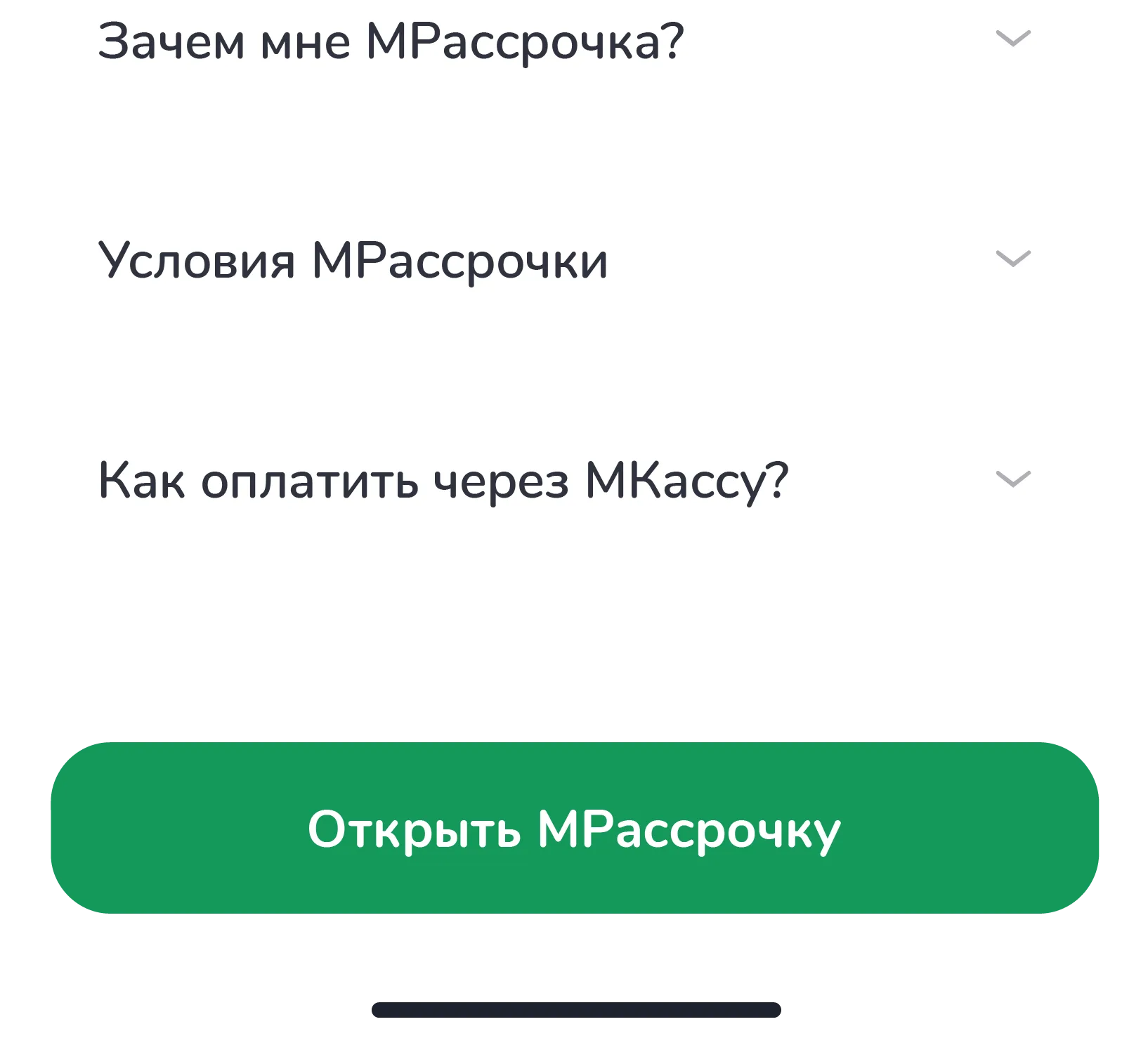
Tap Open MRassrochka and make your first purchase
Frequently asked questions
What is MRassrochka?
An installment plan is a way to purchase a product or service by paying in parts over a certain period of time instead of paying the full amount at once.
Is there an overpayment on the installment plan?
It depends on the offer. There may or may not be an extra charge.
For what purposes can I use instalment?
For payment of goods and services provided by the Bank's partners.
What is the installment period?
Installment periods are 9, 12, 18, or 24 months.
How can I get an installment?
On the main screen of the MBANK app, tap the “Installments” button. Review the terms, fill out the application, and give consent to personal data processing. After entering the confirmation code, the system will calculate the approved amount. Once you confirm, the installment plan will be issued.
Where can I pay using installment? In which stores can I make purchases using installment?
The full list is available in the M+/MInstallment account. For your convenience, all stores are organized by category, and specific addresses can be found on each store's individual page.
How to repay installment?
1. Scheduled Payment (Monthly Installment)
To make a regular monthly payment:
Open the MBANK app.
Go to the M+/MInstallment section.
Select the relevant installment.
Tap "Pay" and confirm the transaction.
Important: Payment must be made before 16:00.
2. Full Early Repayment
If you wish to pay off the entire amount at once:
Go to the M+/MInstallment section.
Select an active purchase.
Tap "Close" the system will display the remaining balance.
Confirm the purchase will be closed.
Where is the purchase receipt?
There is a button on each Installment plan page that you can click to view your installment purchase receipt.
How to return purсhase?
Within 14 business days from the date of registration — call 3333; our staff will create a request and forward it to the relevant department.
If more than 14 business days have passed — visit the nearest MBANK branch and submit a written application to close the tranche.
Important: funds can only be returned after the application has been reviewed. Decisions are made on an individual basis, depending on the circumstances.
What amount can I get an installment plan for?
You can apply for an installment plan from 15,000 to 200,000 KGS.
I already have loans. Can I apply for an installment plan?
Yes. If you have active loans, you can apply for an installment plan through the Mbank mobile app. Each application is reviewed individually and depends on the quality of your credit history and your ability to repay
Is work experience required to get an installment plan?
MBANK does not set any requirements for work experience. Each application is reviewed individually and depends on the quality of your credit history and your ability to repay.