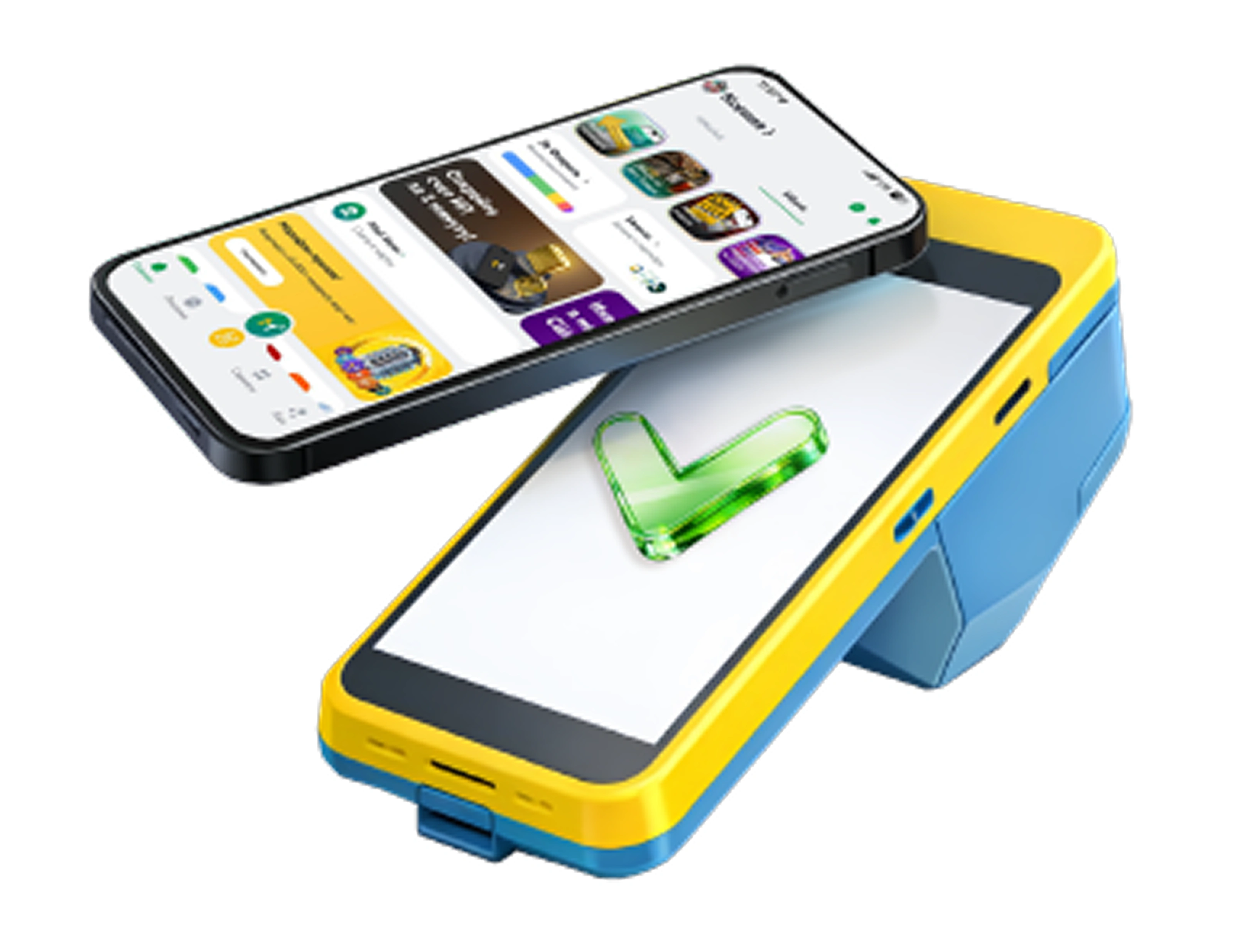
MPay — a new way to pay

MPay — a new way to pay
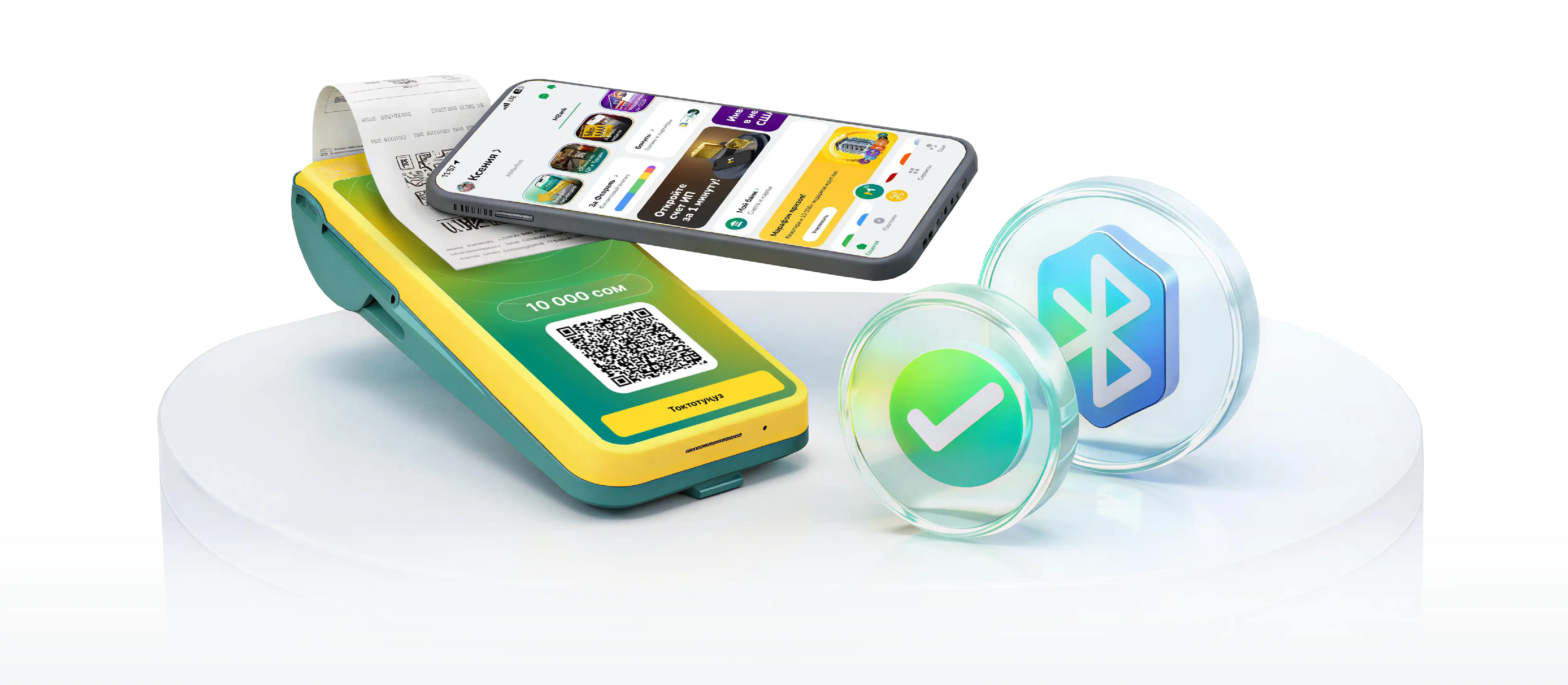
Pay for purchases and transfer money with a single tap. Available on iOS and Android
MPay — a new way to pay

How to pay for purchases with MPay?

You can pay for purchases even without an internet connection
1. Open the MBANK app

1. Open the MBANK app

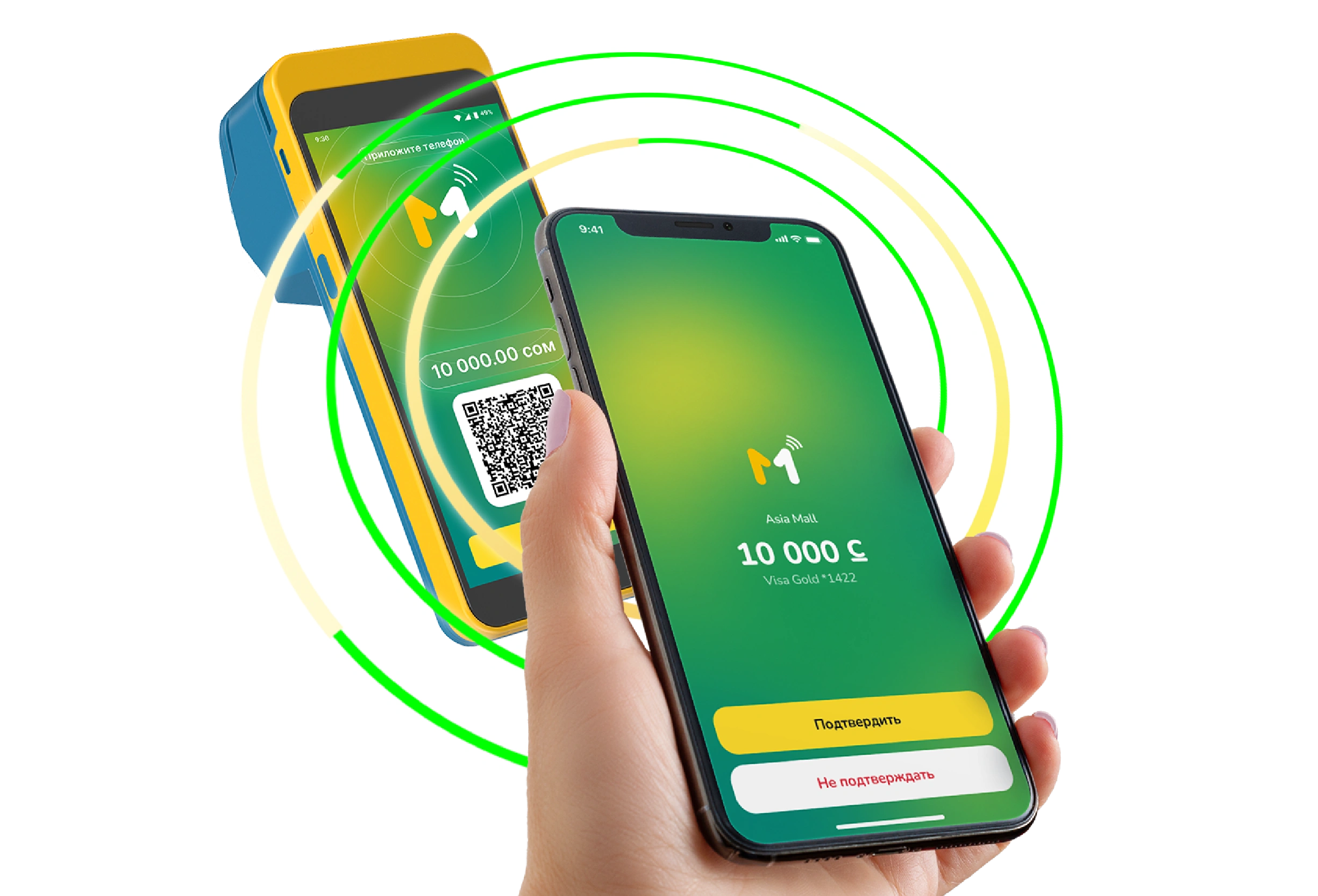
2. Hold your smartphone near the MKassa terminal
2. Hold your smartphone near the MKassa terminal

3. Confirm the payment on the screen

3. Confirm the payment on the screen

How to transfer money to people nearby
No phone number, no details, money comes instantly
1. Open the MBANK app together with the recipient
1. Open the MBANK app together with the recipient

2. Tap the MPay button — you will see people nearby

2. Tap the MPay button — you will see people nearby

3. Select a person and confirm the transfer

3. Select a person and confirm the transfer

MPay works if:

The MBANK app is updated to the latest version
Bluetooth is enabled on your phone
The MBANK app has permission to access Bluetooth

Frequently Asked Questions

What is MPay?

MPay is a feature in the MBANK app that allows fast payments at MKassa terminals and instant transfers to people nearby
50% считают ответ полезным

Ответ был полезным?

Where can I use MPay?

MPay can be used to pay for purchases at stores equipped with MKassa terminals, as well as to transfer money to people near you
50% считают ответ полезным

Ответ был полезным?

Do I need to activate MPay separately?

No. MPay is already built into the MBANK app and does not require separate activation
0% считают ответ полезным

Ответ был полезным?

What is required for MPay to work?

Update the MBANK app to the latest version and make sure that: Bluetooth is enabled on your smartphone; the MBANK app has access to Bluetooth services
0% считают ответ полезным

Ответ был полезным?

What should I do if I don’t see the MPay button?

Make sure you have the latest version of the MBANK app installed. Fully close the app and open it again
0% считают ответ полезным

Ответ был полезным?

What if the MPay button is visible but doesn’t work?

Check your phone settings — the MBANK app must be allowed to access Bluetooth services
0% считают ответ полезным

Ответ был полезным?

What needs to be enabled on Android for MPay to work?

Open Settings → Apps → MBANK → Permissions → enable access to Nearby devices
0% считают ответ полезным

Ответ был полезным?

What needs to be enabled on iPhone for MPay to work?

Open Settings → select MBANK → allow access to Bluetooth
0% считают ответ полезным

Ответ был полезным?

Is an internet connection required to pay with MPay?

No. Payments with MPay can be made even without an internet connection
0% считают ответ полезным

Ответ был полезным?

Can I transfer money to people I don’t know?

Yes. Transfers are possible to people who are nearby and have the MBANK app open
0% считают ответ полезным

Ответ был полезным?

How long does a transfer take?

Transfers via MPay are instant — the money is credited immediately after confirmation
0% считают ответ полезным

Ответ был полезным?

Is MPay safe to use?

Yes. All transactions are confirmed in the MBANK app and protected by banking security standards
0% считают ответ полезным

Ответ был полезным?

Is there a fee for using MPay?

MPay is available free of charge
0% считают ответ полезным

Ответ был полезным?

Why might MPay be temporarily unavailable?

This may be due to an outdated app version, Bluetooth being turned off, or temporary technical maintenance
0% считают ответ полезным

Ответ был полезным?

How to add the MPay widget on iPhone

0% считают ответ полезным

Ответ был полезным?