
Your card, your rules. Welcome to MBANK!
Change your card design in just a few clicks. Choose vibrant designs in the app and stand out every time you pay with Apple Pay or Google Pay.
More possibilities for your card
Choose your style
Switch from the standard design to one that matches your mood, style, or special occasion.
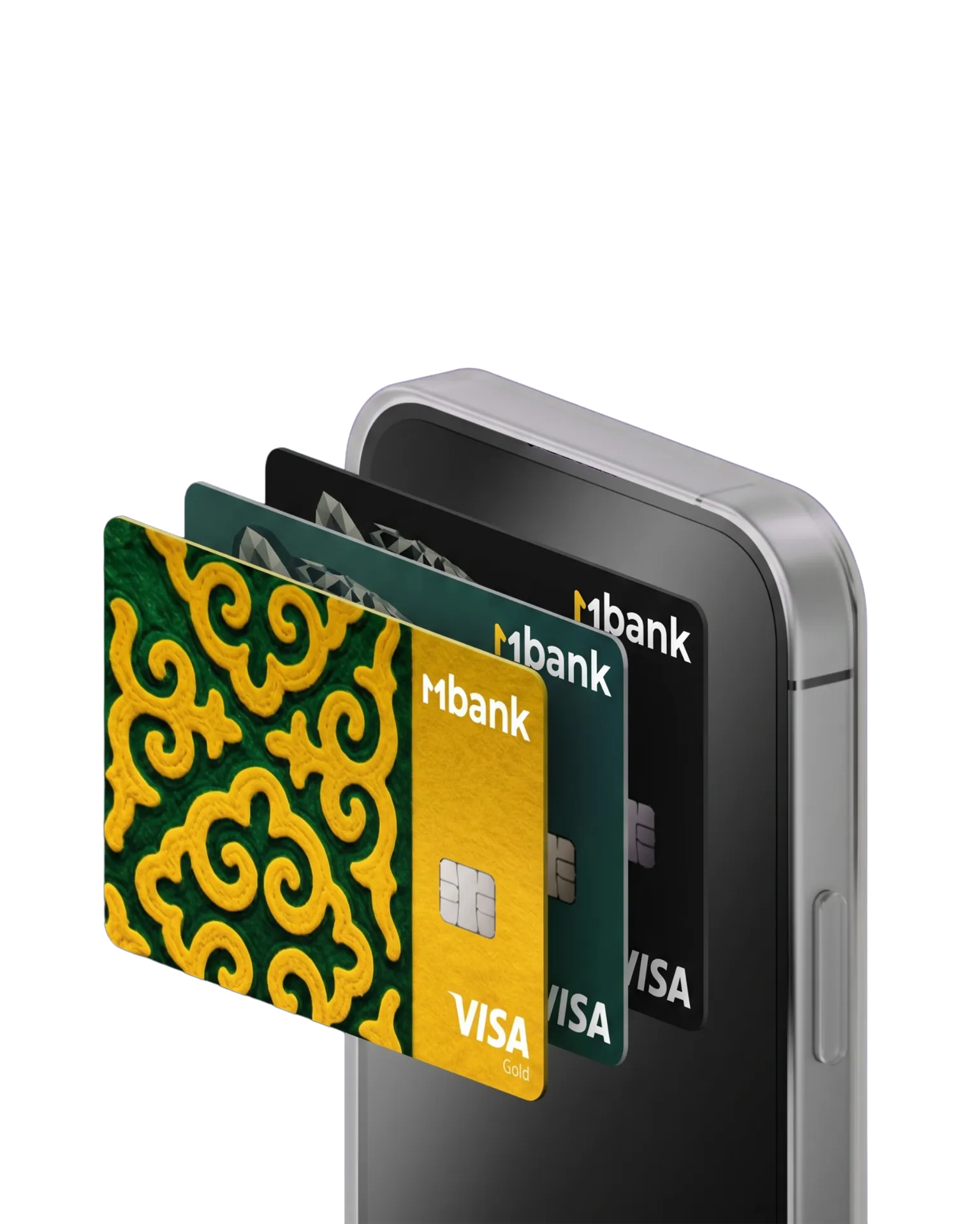
One design — everywhere
Your new card design is displayed in MBANK, Apple Pay, and Google Pay.
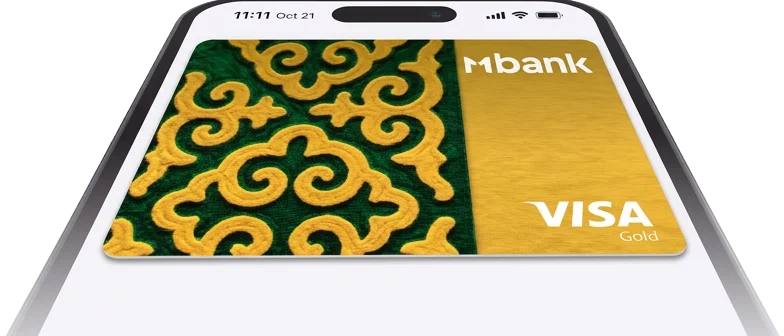
Change it in just a few clicks
Choose a new design right in the app — no card replacement or branch visit required.
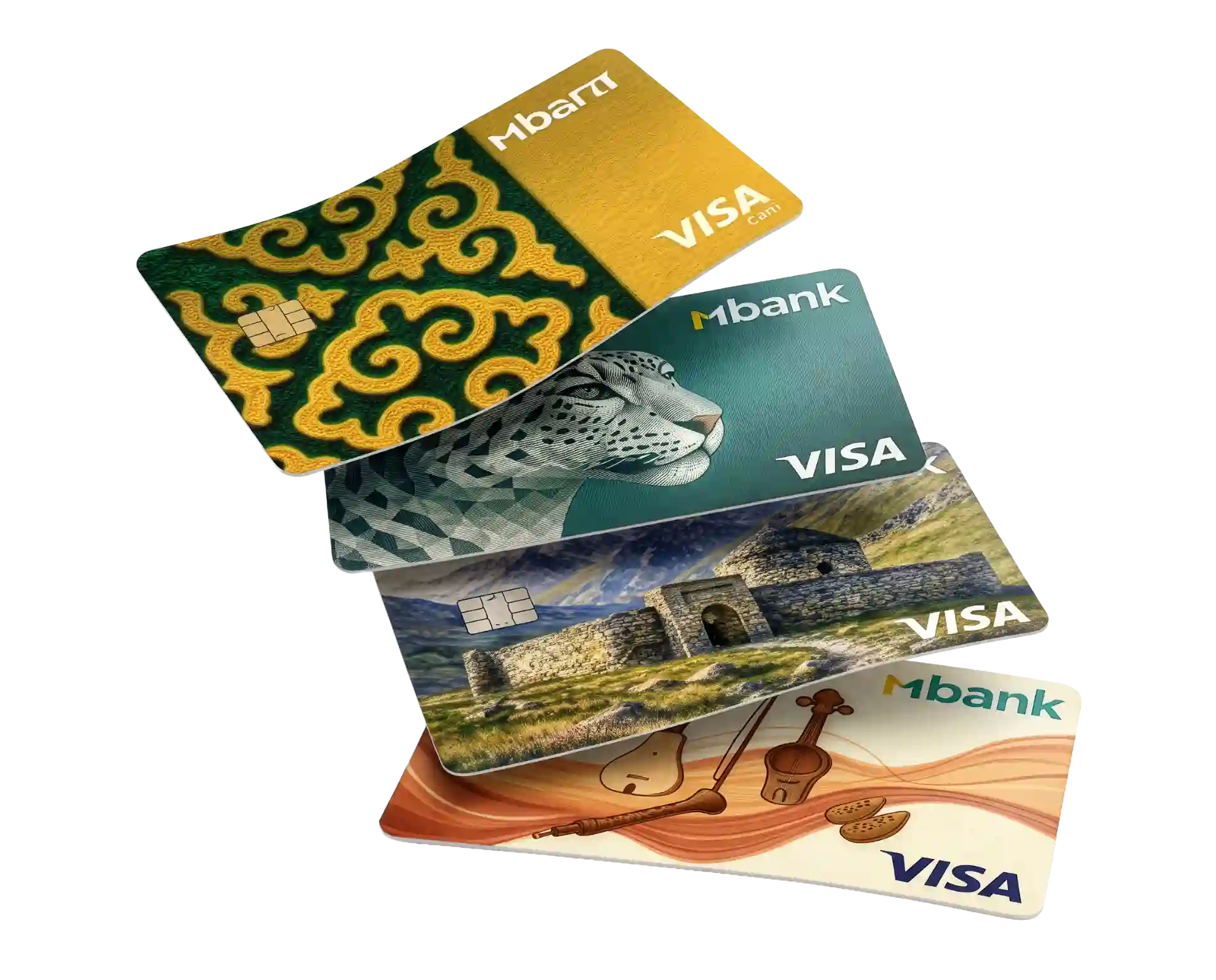
A new design in 4 steps
Update the MBANK app to the latest version.
Go to “My Bank” and select the card you want.
Tap “Change card design.”
Choose your favorite design and tap “Save”
Frequently Asked Questions
What is a digital card design?
It is the visual appearance of your card in the MBANK mobile app and digital wallets such as Apple Wallet and Google Wallet.
Will my physical card change?
No. Your physical card stays the same. Only its digital design on your smartphone changes.
Will my card details change?
No. Your card number, expiration date, CVV, PIN, and service fees remain unchanged.
Will the new design be visible when I pay with Apple Pay or Google Pay?
Yes. The new design will be displayed in MBANK and in Apple Pay / Google Pay.
Does changing the digital design cost anything?
No. Digital card designs are available free of charge.
Is there a limit on how often I can change the design?
Yes. You can change your card design up to 10 times per day.