en

For individuals
For business
Shariah Board
Adal Installment
Fair, with no interest or overpayments


For individuals
For business
Select an installment type
Adal Installment
Pay for your purchases in installments with no interest or overpayments for up to 4 months.

1
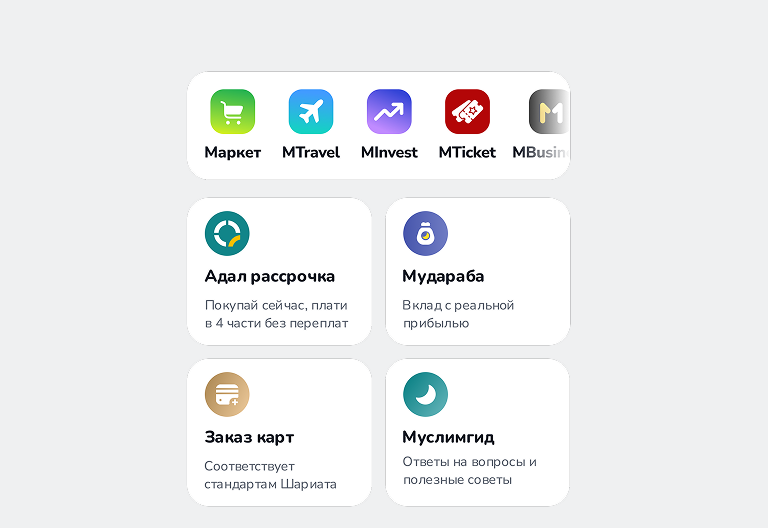
Open MBANK and switch to MIslamic
In MIslamic, select Adal Installment
2
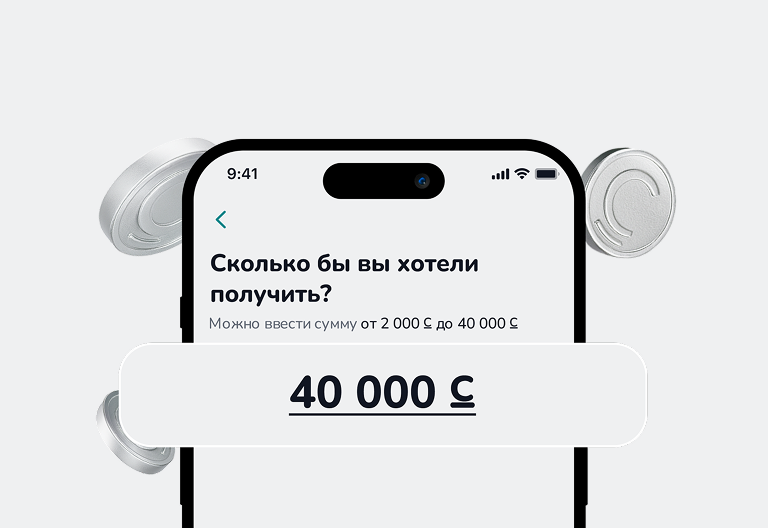
Activate Adal Installment online
Choose the amount and submit your application
3
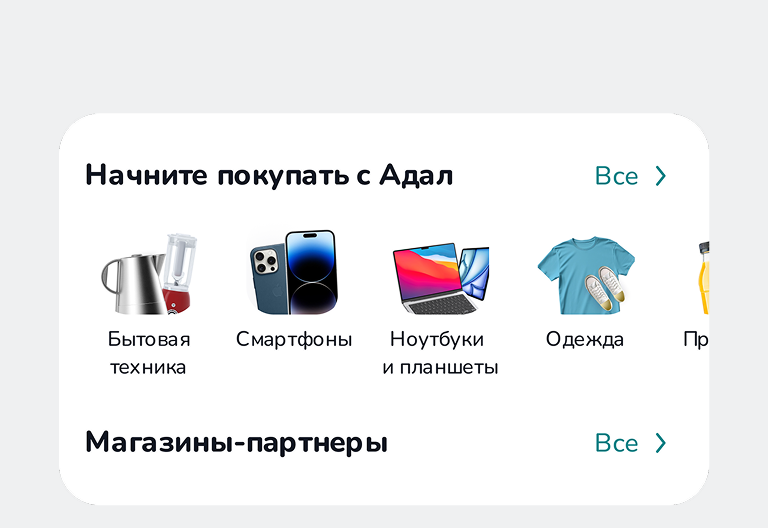
Shop in installments
Shop in installments at partner stores and online on MMarket
FAQ
What is Adal Installment?
Adal Installment is a revolving limit based on Islamic finance principles, provided by MIslamic. It allows you to purchase goods and services from partner stores without interest or additional charges.
The financing is provided under the Qard principle (Qard — an interest-free repayable loan).
You use the limit to pay for your purchase, and then you repay exactly the amount you received.
Each purchase has its own repayment schedule of up to 4 months.
Why is there no interest fee?
Because Qard strictly excludes interest, commissions, and hidden fees.
You repay only the purchase amount — with no markup or extra charges.
If a seller artificially inflates the price or adds extra fees, this violates the terms.
Please report such cases by calling 7733.
Why do I need Adal Installment?
With Adal Installment, your purchase becomes yours immediately, and you repay the amount in parts over a period of up to 4 months.
You can use your available limit anytime and as many times as you need — with no additional applications or approvals from the Bank.
There are no interest charges, overpayments, or hidden fees.
You repay exactly the amount you used.
You also receive the maximum available limit for purchases at partner stores.
How does it work?
Enter the desired limit amount and submit your application — the review takes up to 5 minutes. Once approved, the limit becomes available for purchases.
You can use the limit at any time. The list of partner stores is available in the Adal Installment section.
To make a purchase, open the Adal Installment cabinet, select a store, enter the amount, and confirm the payment — the system will automatically transfer the funds to the merchant.
You receive the maximum available limit.
Repay your purchases according to the payment schedule, which is displayed in the «Purchases» section.
What can I use Adal Installment for?
You can use Adal Installment to pay for goods and services at the Bank’s partner stores.
Adal Installment Terms of Use
Product type: Revolving financing line
Purpose of use: Payment for goods, services, and personal needs
(in accordance with Islamic finance principles)
Eligibility: No income confirmation or guarantor required
IInstallment markup: No interest
Installment term: 4 months
Minimum limit amount: 2,000 KGS
Maximum limit amount: 40,000 KGS
What is the repayment schedule for purchases?
You have 4 months to complete the repayment.
How can I check the installment repayment date?
The repayment date is shown on the Installment page, which you can open in the Adal Installment section from your list of transactions.
How to activate Adal Installment?
1. On the main screen of the MIslamic app, tap the “Adal Installment” button.
2. Review the terms and tap “Open”.
3. Confirm your consent to the processing of personal data and review the public offer.
4. Enter the desired limit amount for your purchases.
5. Enter the SMS code to confirm.
6. Check the limit activation details and tap “Confirm”.
(If required, fill in the additional information on the next screen.)
7. Done! You will receive an SMS with your limit status and a link to the agreement.
8. Once the limit is activated, you can make installment purchases at partner stores.
How is the installment payment due date determined?
The installment payment due date is automatically set at the time of purchase and falls exactly 30 calendar days from the purchase date.
The due date of each payment is shown in the payment schedule and displayed in the app.
How to make purchases with Adal Installment?
Option 1: Through the Adal Installment section in MIslamic
• When you are at a partner store, open the Adal Installment section on the main screen of the MIslamic app.
• Find the store using the search function (by name or business owner).
Tip: Double-check the store name to avoid mistakes.
• Enter the purchase amount and confirm the payment.
• Inform the seller that you are paying with Adal Installment, then show the receipt after payment.
Important: The price for Adal Installment must be the same as the cash price.
If the seller inflates the price, please report it at 7733.
Option 2: Through a POS terminal
• Open the MIslamic app and scan the QR code on the terminal.
• Select “Adal Installment Payment” and confirm the amount.
• Inform the seller that you are paying with Adal Installment and show the receipt.
Where can I pay using Adal Installment?
Which stores support Adal Installment?
The list of partner stores is available in the Adal Installment section of the MIslamic app.
By opening a partner’s page, you can view their address and details.
Where can I view my Adal Installment purchases?
After a purchase is successfully completed, it will appear in the Adal Installment section.
There you can see the purchase amount, remaining balance, repayment date, and current status.
By tapping on the purchase card, you can view additional details and the full transaction history.
Available Limit
The available limit is the unused portion of your total limit that you can use for installment purchases.
What is the maximum limit for Adal Installment?
The maximum limit for Adal Installment is 40,000 KGS.
How to repay your installment?
1. Scheduled payment (monthly payment)
To make your next scheduled payment:
• Open the MIslamic app.
• Go to the Adal Installment section.
• Select the purchase you want to pay for.
• Tap “Pay” and confirm the payment.
Important: payments made before 16:00 are processed the same day.
Payments made after 16:00 are processed the next day.
2. Full early repayment
If you want to repay the entire remaining amount at once:
• Open the Adal Installment section in MIslamic.
• Select the active purchase.
• Tap “Close” — the system will show the remaining balance.
• Confirm the payment. The purchase will be fully closed.
3. Partial early repayment
If you want to pay more than your monthly installment:
Go to: https://mbank.kg/early_payment
1. Fill out the short partial repayment form.
2. Your request will be processed within 1–3 business days.
Where can I find my receipt?
On the page of each purchase in the Adal Installment section, there is a button that allows you to open and view your receipt.
How can I return a item?
Within 14 business days from the date of purchase— Call 7733.
Our team will create a return request for you and forward it for review.
After 14 business days — Visit the nearest Bank branch and fill out a return request form.
mportant: Funds are returned only after the request is reviewed.
The decision is made individually based on the specific situation.